



Vincispin Casino Mobile App
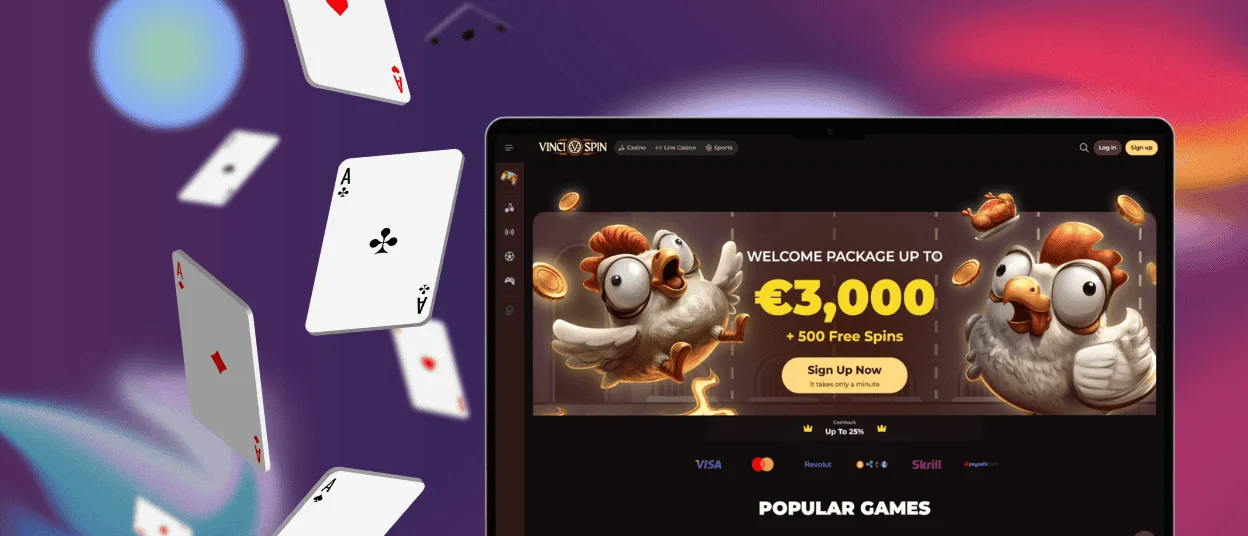
The Vincispin app gives our players access to our game collection and platform features on any mobile device. You can install it on Android or iOS, the application runs on every operating system without fail. The installation takes less than 3 minutes, and you can log in on several devices at once.



Vincispin Mobile Casino Experience
We didn’t want to limit your gaming to just one device, especially since most of our users like to play games on their phones. That’s why we made a progressive web application (PWA) for Vincispin Casino. It functions as a native mobile app, but in reality it is a web platform. The interface and all features are the same for both versions. That means when you launch the application, you can play any online slots from our collection. There are no restrictions on games, because they are all optimized for touch controls.
Even though the Vinci Spin app offers everything the website has, there are still some differences in your gaming experience depending on where you play.
| Aspect | Web platform | Mobile casino |
| Accessibility | You first need to open the browser and then go to the casino website. | Directly through the Vincispin app icon on your home screen. |
| Display | A larger screen provides a better display for live casino games. The games appear in a window in the middle of the webpage, and you can clearly see the menu and switch between tabs. | Our application adapts to the smaller screen size, so the interface slightly changes to fit everything. The games open in full window and you can’t do anything else while playing. |
| Convenience | It’s a good option for long game sessions when you’re not in a rush. | Easy to use while traveling or away from home. |
| Performance | Needs a stable internet connection. | You can launch the Vincispin app even with a weak signal and manage your profile information. |
| Battery | PCs are connected directly to the power source. | If you play for a long time or join the live casino stream, it can use a lot of battery. |
Aside from the differences, the Vincispin Casino live chat is available everywhere, so you can contact our support team from any device if you need help.
Vinci Spin App for Android
Android users can either install the Vincispin Casino app or use their mobile browser to launch it on their device. Our application doesn’t take up much space, so you don’t need to sacrifice your old photos or other apps to download it. If you want to have quick access to your Vincispin Casino profile, you can create a shortcut to your home screen.
To do so:
- Open our website from any browser on your phone and click the three-dot menu.
- Scroll until you find the “Add to home screen” line and tap it to create a shortcut.
For better performance, you should have the latest Android version, but you can also use the Vinci Spin app on older systems.
Browser-Based Progressive Web App
The Vincispin Casino doesn’t have an APK file for Android devices. You simply don’t need to install one because it’s a PWA and not a native app. So there’s no need to download anything that seems suspicious to you to install our application.
Casino App for iOS
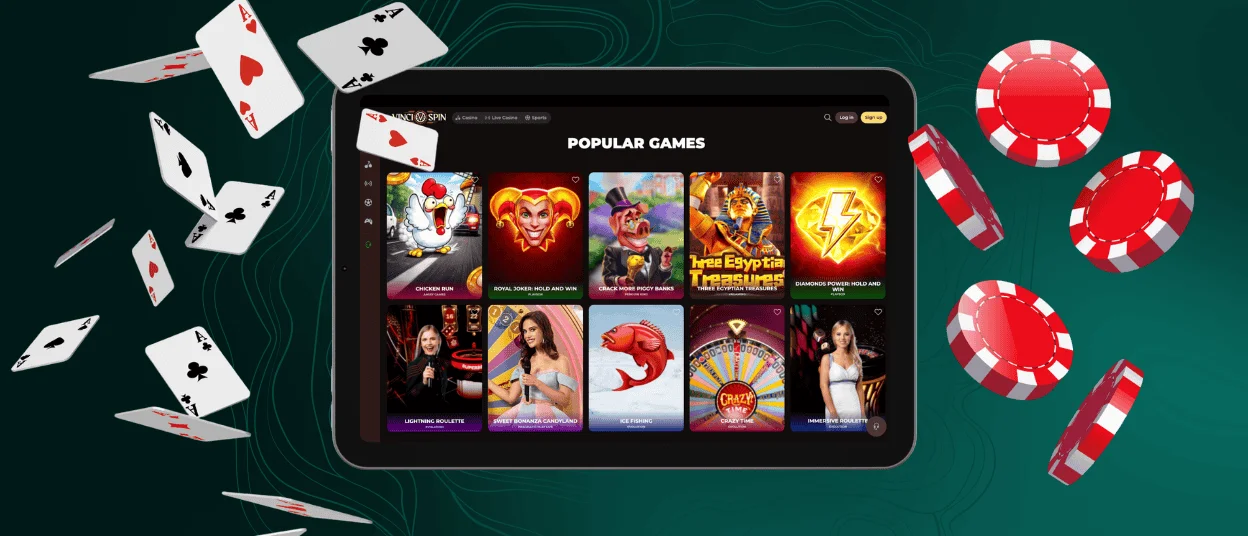
To play at our mobile casino on iPhones or iPads, you should have the latest system version, or at least not older than iOS 13. You can log in to your Vinci Spin Casino profile through the Safari browser or install the app as a shortcut. It’s not difficult. To do so, iOS players have two options. The first one is to use the Shortcuts app that is pre-installed on every iPhone. The second one follows the same process as on Android devices.

Desktop App for Windows and macOS
What’s great about progressive web applications is that you can install the Vincispin app on your PC or laptop as well. The process is similar to mobile devices — you create a shortcut through the browser. You can find the download button in the address bar, so no need to open the menu.
Players can also switch between devices. Your Vincispin Casino profile is the same everywhere and syncs when you open it in the app or browser.
FAQ
Can I install the application outside official app stores?
You can install the Vincispin app only from our website. We don’t have it in the app stores or on other platforms.
Is creating an account required to use the Vinci Spin app?
Players can use our application without an account. But in that case, you can only browse our mobile casino and play some of the games in demo mode.
Is the PWA secure for real-money transactions?
All payments at the Vincispin Casino are encrypted and follow PCI-compliant processing. Besides, players must pass the verification process before making withdrawals. This helps prevent identity fraud and ensures your winnings reach the correct wallet.
How can I update the Vincispin app?
PWAs update automatically every time you launch the application, so you don’t need to do anything. You always have the latest version of our app.


